Sign Up
Overview
Getting started with Vantage is free and easy. In this guide, you'll create your account, authenticate with your preferred identity provider, and set up your first organization.
What You'll Learn
- How to sign up for a Vantage account
- How to authenticate using SSO
- How to create your organization
Step 1: Sign Up
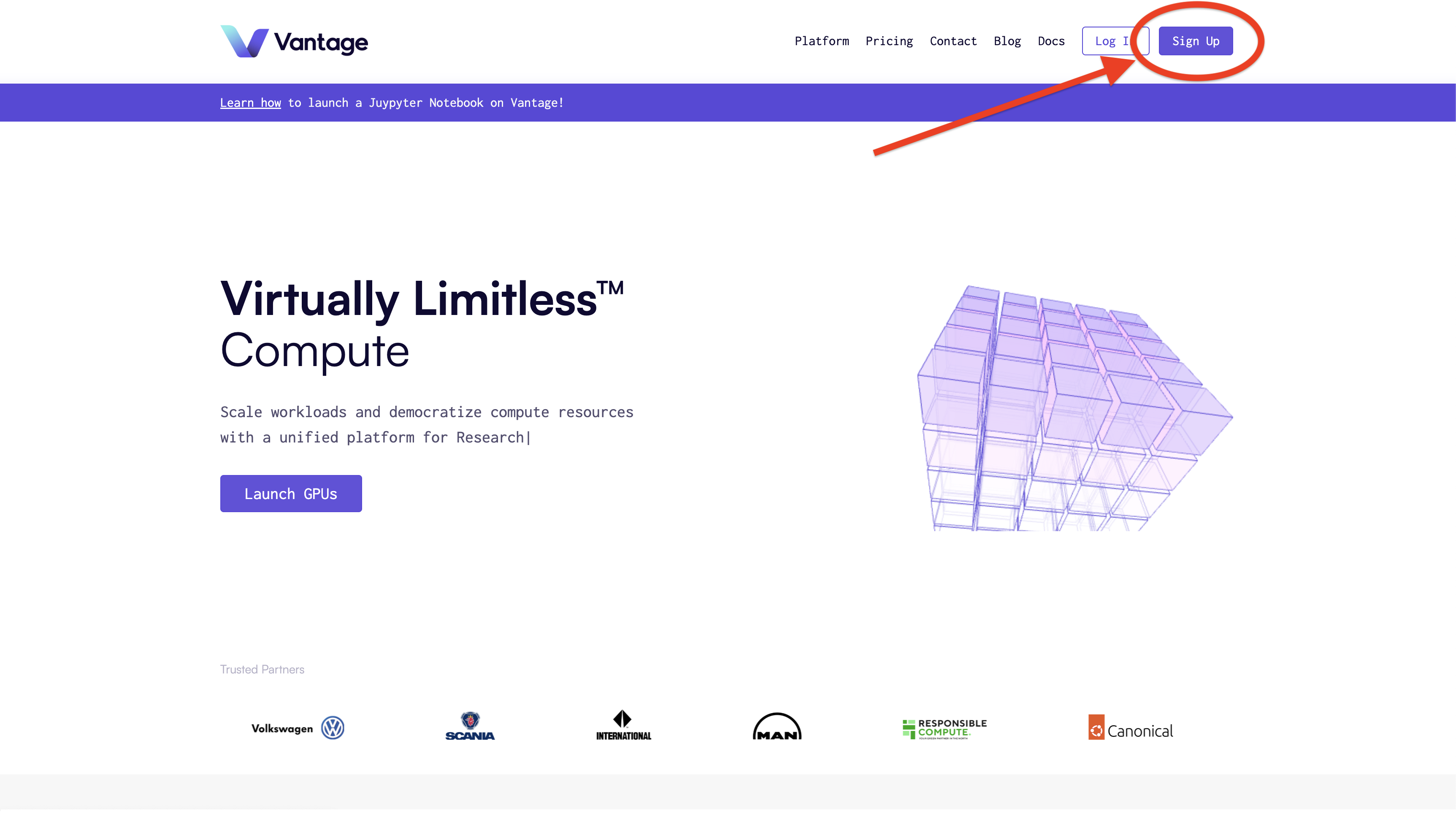
Navigate to the Vantage Homepage and click the Sign Up button to begin the account creation process.
Step 2: Authenticate
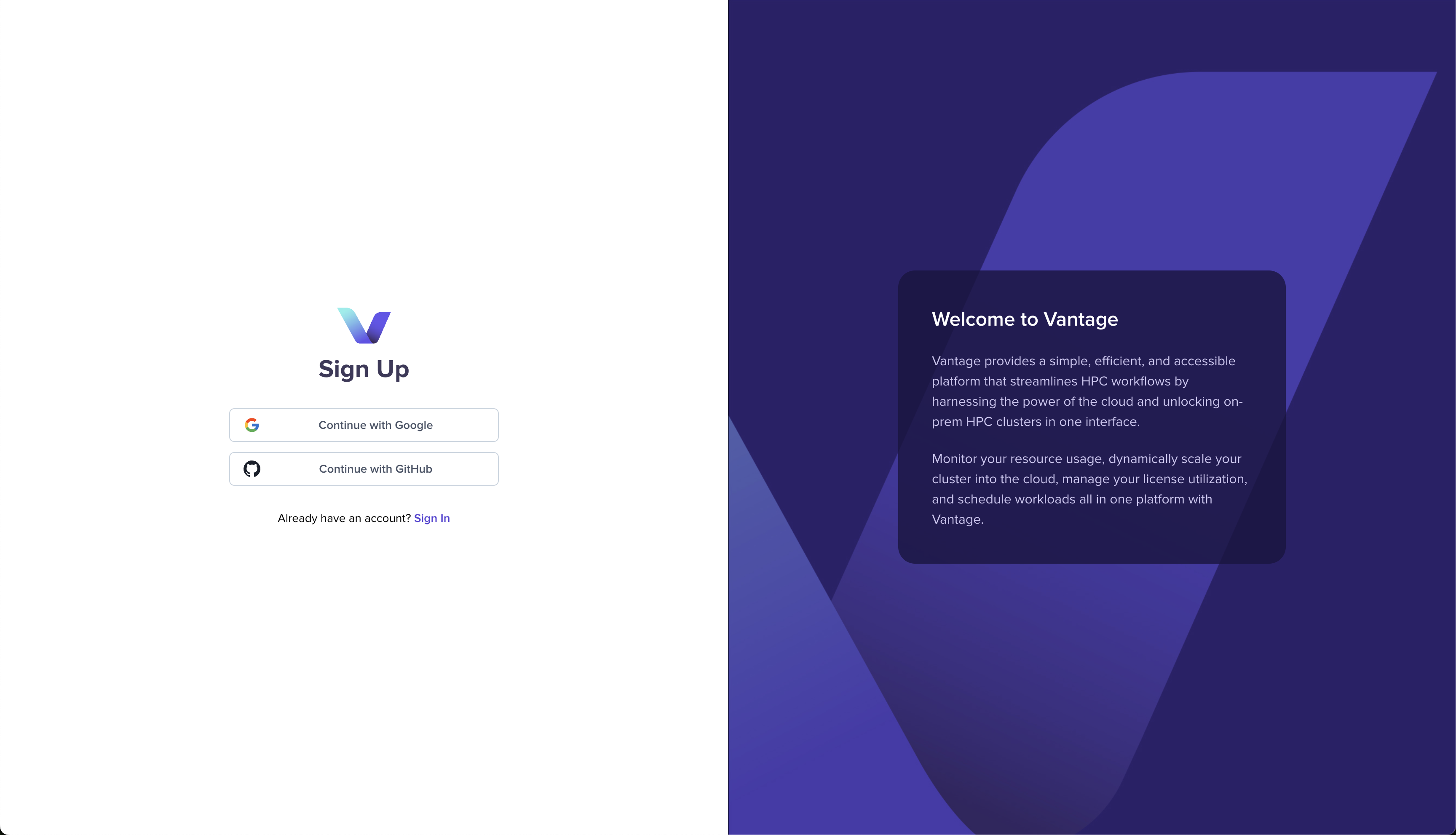
Choose your preferred SSO provider to authenticate. Vantage supports multiple identity providers including Google, Microsoft, and GitHub.
Step 3: Create Your Organization
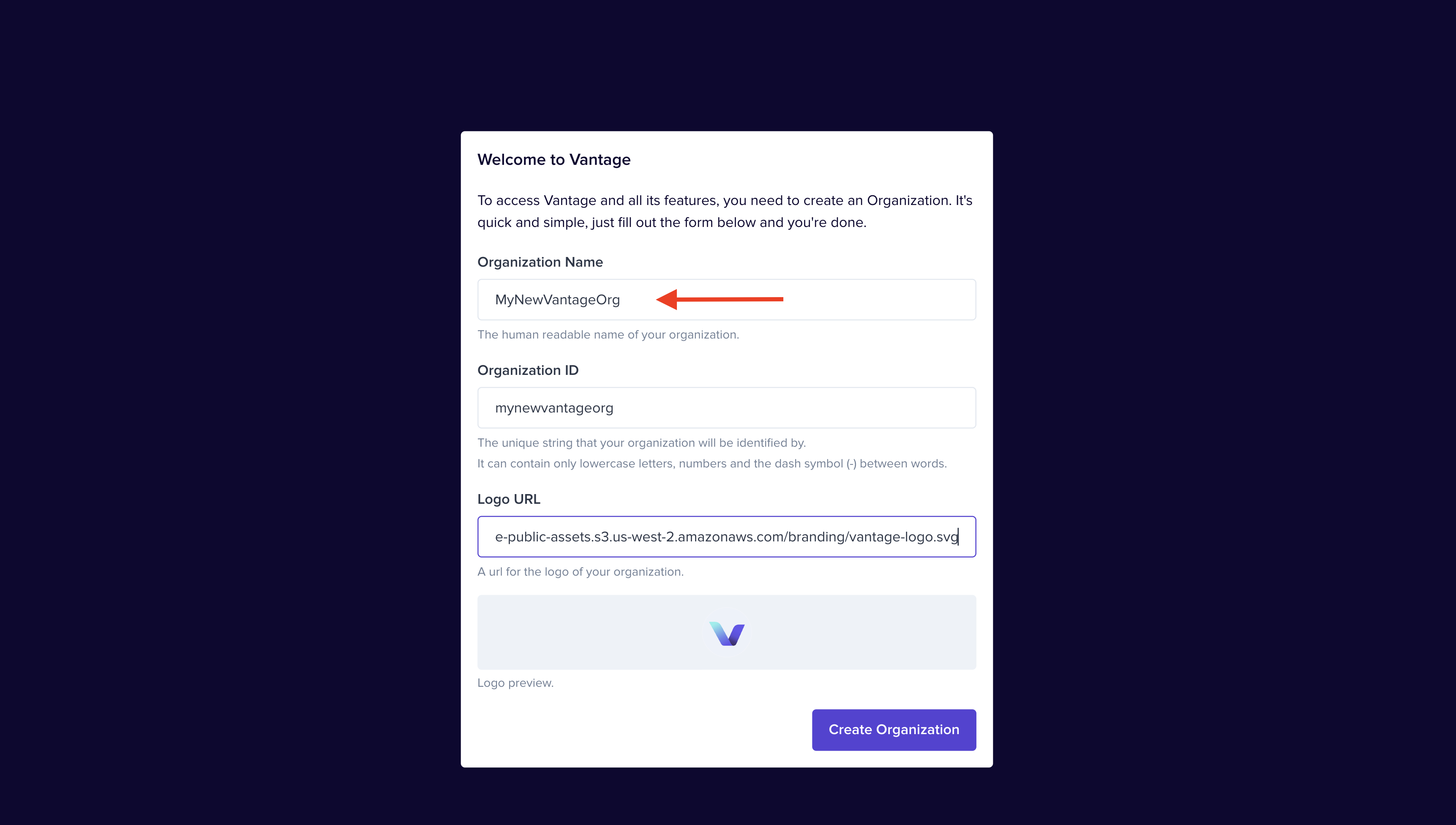
After authentication, you'll be prompted to create an organization. Provide an organization name and optionally upload a logo to personalize your workspace.
Step 4: Welcome to Vantage
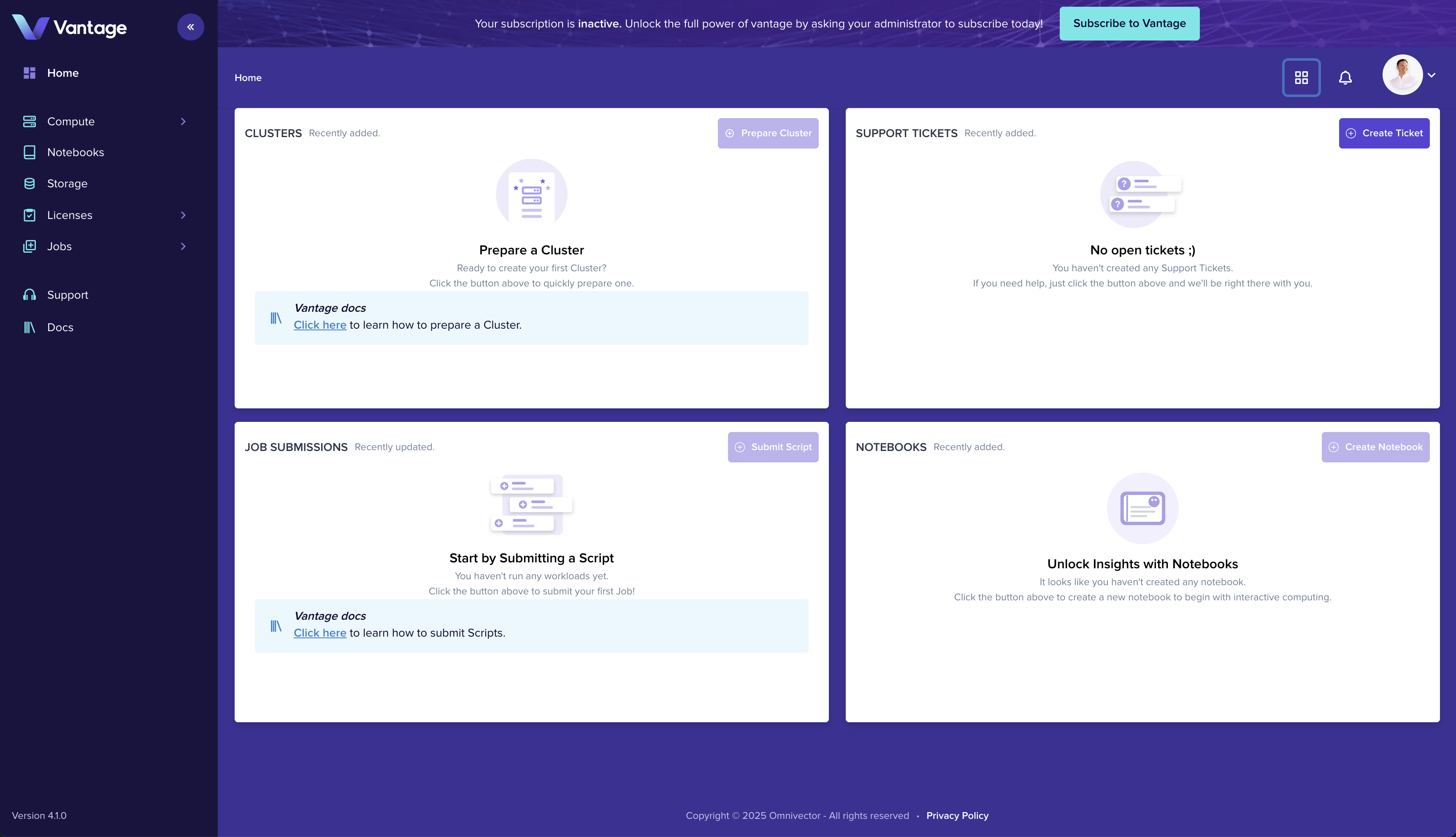
Once your organization is created, you'll land on the Vantage platform home page where you can begin exploring features and setting up your first cluster.
Summary
You now have a Vantage account and organization ready to use. You're all set to start adding clusters, inviting team members, and running workloads.